

Identify Interested Leads with Trigger Link Clicked in GoHighLevel
 Wispcode Team
Published on: 10/08/2026
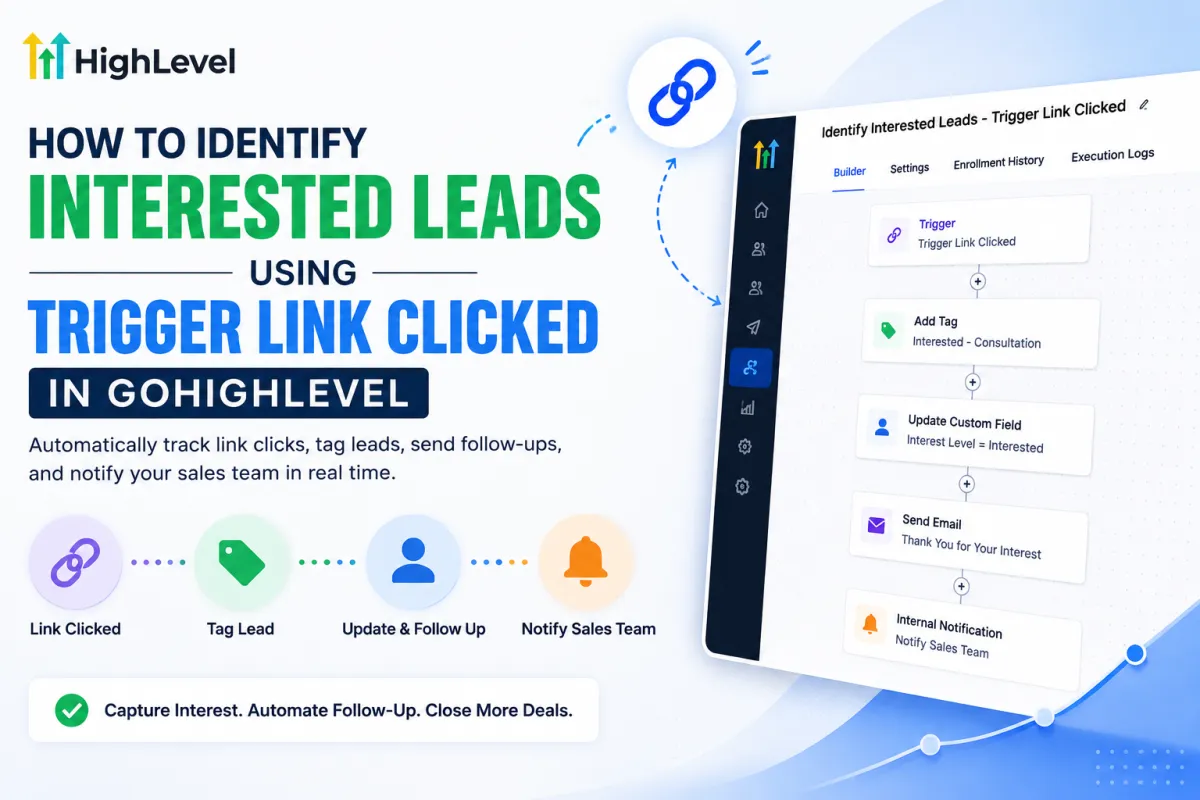
A clean GoHighLevel-themed workflow graphic showing how a Trigger Link click can identify an interested lead. The visual illustrates the automation process from Link Clicked → Tag Lead → Update & Follow Up → Notify Sales Team, with a workflow builder
GoHighLevel Trigger LinkTrigger Link Clicked GoHighLevelGoHighLevel lead trackingIdentify interested leadsGoHighLevel workflow automationGoHighLevel lead automationInterested lead trackingGoHighLevel contact tagsGoHighLevel Smart ListsLead engagement tracking
